


Call of Duty: Modern Warfare 4 PC Requirements & Fix for Launch Errors
Modern Warfare 4 failing to start or showing security errors? Before reinstalling, check TPM 2.0, Secure Boot, and firmware settings to get your battlestation lobby-ready.
Call of Duty: Modern Warfare 4 Won't Launch on PC? Check These Settings First
Call of Duty: Modern Warfare 4 is here, and if you're loading up your squad to jump straight into the action, there's one critical pre-flight check worth making before hitting launch: your PC's hardware security configuration.
If your game instantly crashes on startup, triggers a security compliance alert, or throws an error claiming your system doesn't meet minimum requirements, TPM 2.0 and Secure Boot are usually the culprits. Modern anti-cheat architectures mandate these features by default, meaning even high-end battlestations with plenty of GPU power will sit locked out if the motherboard firmware isn't configured properly.

Before you waste hours redownloading 100+ GB of game files or troubleshooting your graphics card, run through this quick guide to verify your security settings and get back into the lobby.
Why Won't Modern Warfare 4 Launch on My PC?
Not every launch failure is a GPU or driver issue. Competitive shooters have stepped up kernel-level anti-cheat enforcement, requiring your hardware to prove its boot integrity before letting you join a server:
- TPM 2.0 (Trusted Platform Module): A physical or firmware-based security chip that stores encryption keys and validates system integrity.
- Secure Boot: A UEFI standard ensuring your PC starts up using only software and bootloaders trusted by the original equipment manufacturer.
- Operating System & Graphics Drivers: Outdated Windows builds or legacy display drivers can interrupt anti-cheat attestation.
Let's check both security settings right inside Windows—it only takes about two minutes.
Step-by-Step: How to Check TPM 2.0 and Secure Boot
1. Check TPM 2.0 Status
- Press Windows + R on your keyboard to open the Run dialogue box.
- Type tpm.msc and hit Enter.
- Review the Status panel in the center of the window.
If it says "The TPM is ready for use" and displays Specification Version: 2.0 under TPM Manufacturer Information, you are completely good to go. If it says "Compatible TPM cannot be found," the feature is currently turned off in your motherboard BIOS.
2. Check Secure Boot State
- Press Windows + R again.
- Type msinfo32 and press Enter to open System Information.
- In the System Summary list, find Secure Boot State and BIOS Mode.
If Secure Boot State reads On, you're clear. If it reads Off or Unsupported, verify that your BIOS Mode is set to UEFI. Secure Boot cannot be enabled under legacy CSM/BIOS modes.
3. How to Enable Them in Motherboard BIOS / UEFI
Restart your PC and tap Del or F2 repeatedly as it powers on to enter your UEFI firmware menu. Head over to the Security, Boot, or Advanced tab and look for:
- On Intel systems: Enable Intel PTT (Platform Trust Technology).
- On AMD systems: Enable AMD fTPM or Firmware TPM.
- Under Boot settings: Set Secure Boot to Enabled and ensure OS Type is set to Windows UEFI Mode.
Modern Warfare 4 PC System Requirements
Once your security handshake is cleared, make sure your hardware can handle the firefight. Here is how Activision structures performance benchmarks across PC setups:
| Component | Minimum Spec | Recommended Spec (Multiplayer 90+ FPS) |
|---|---|---|
| Operating System | Windows 10 64-bit (Latest update) | Windows 11 64-bit |
| Processor (CPU) | AMD Ryzen 5 1400 / Intel Core i5-6600 | AMD Ryzen 5 3600 / Intel Core i7-8700 |
| Memory (RAM) | 8 GB RAM | 16 GB – 32 GB RAM |
| Graphics Card (GPU) | Radeon RX 470 / GTX 970 or 1060 / Arc A580 | Radeon RX 6600 XT / RTX 3060 Ti / Arc B580 |
| Video Memory (VRAM) | 3 GB VRAM | 8 GB VRAM or higher |
| Storage | SSD with 115 GB free space | NVMe Gen 4 SSD with 115 GB free space |
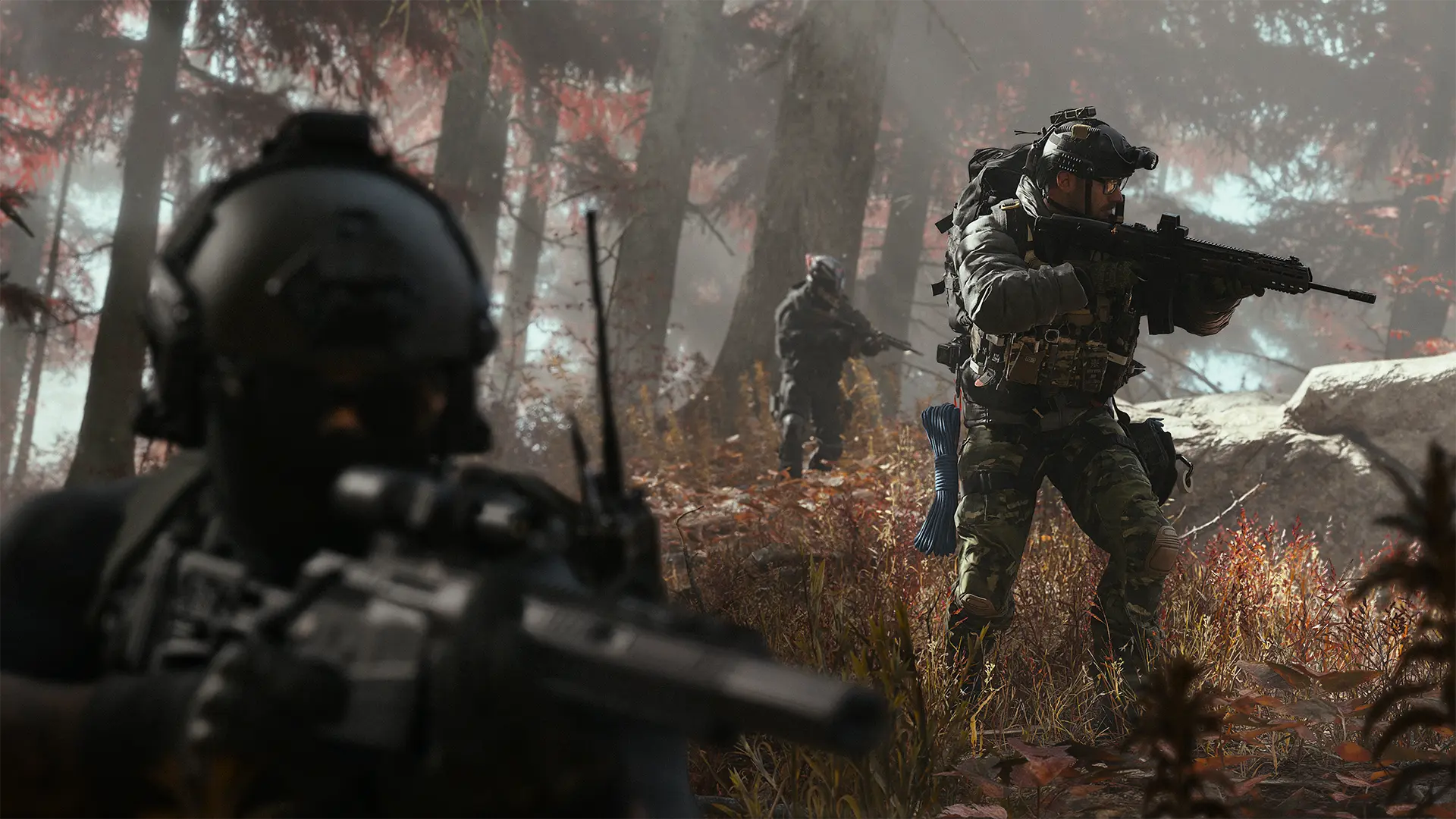
Keep in mind: meeting the CPU and GPU benchmarks won't bypass the anti-cheat. TPM 2.0 and Secure Boot remain mandatory gatekeepers regardless of whether your rig packs an entry-level GPU or a monster flagship.
Lobby-Ready Battlestations for Modern Warfare 4
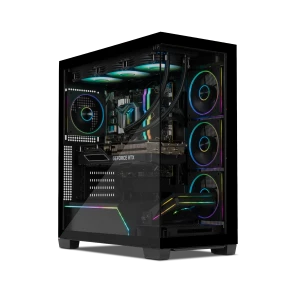
If your current PC is falling behind on frame rates, struggling with stuttering, or locked on legacy firmware, a prebuilt system gets you competitive instantly with UEFI and TPM 2.0 configured straight out of the box:

Yeyian Mirage S (YPI-MS44F0B-5601B)
Intel Core i5-14400F • NVIDIA GeForce RTX 5060 • 16GB DDR5 • 1TB SSD
A fast, balanced rig built for reliable 1080p competitive multiplayer. Packing current-gen RTX architecture and 16GB of DDR5 memory, it easily exceeds the game's recommended multiplayer tier.
View Mirage S →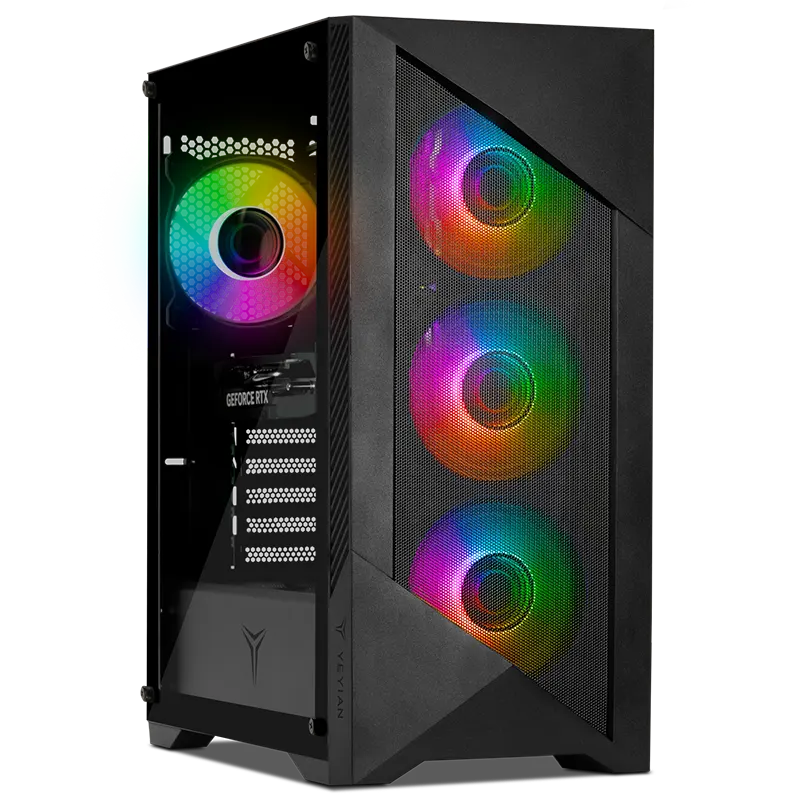
Yeyian Edge (YPI-ED47F0C-5601U)
Intel Core i7-14700F • NVIDIA GeForce RTX 5060 • 32GB DDR5 • 1TB SSD
Step up to a 20-core i7 processor and double the memory bandwidth. Ideal if you stream your squad sessions on Discord, run background capture software, or want stutter-free multitasking during heavy firefights.
View Yeyian Edge →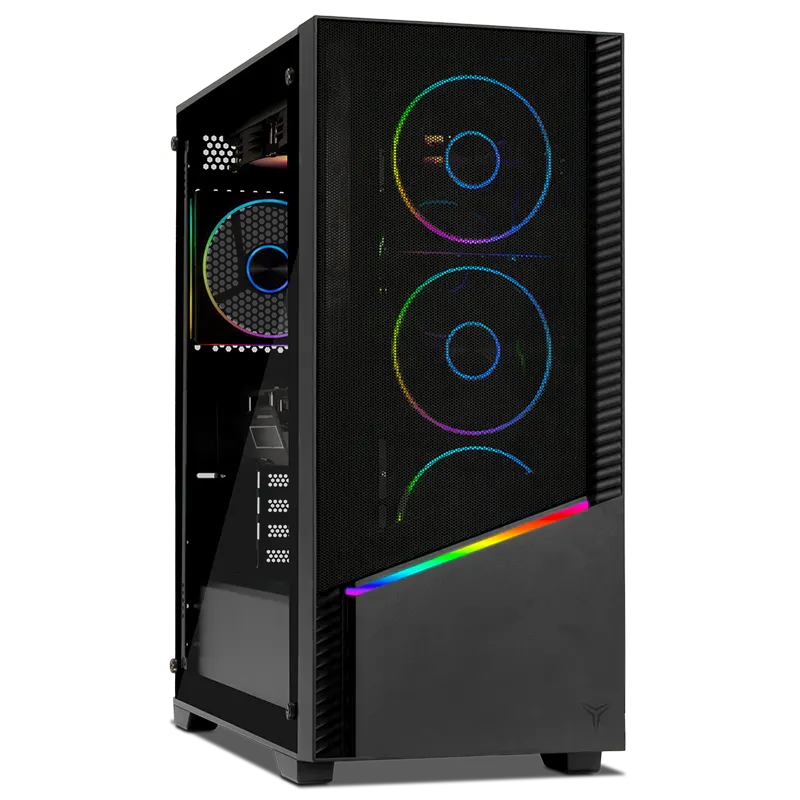
Yeyian Elara (YPI-EL270KC-570Q2U)
Intel Core Ultra 7 270K • NVIDIA GeForce RTX 5070 • 32GB DDR5 6000MHz • 2TB Gen 4 SSD • 240mm AIO
Engineered for high-refresh 1440p and maximum ray tracing settings. With an RTX 5070, 240mm liquid cooling, and a massive 2TB Gen 4 drive, you get instant load times and the sustained thermal headroom needed for marathon sessions.
View Yeyian Elara →Still Won't Launch? Work Through These Quick Fixes

- Update Your Graphics Drivers: Grab the latest Game Ready drivers directly from NVIDIA, AMD, or Intel. Launch-day patches include critical shaders and crash prevention profiles.
- Verify Game Integrity: On Battle.net, click the gear icon next to Play and hit Scan and Repair. On Steam, right-click the game, go to Properties → Installed Files → Verify integrity of game files.
- Run Windows Update: Anti-cheat attestation requires up-to-date Windows security certificates. Ensure your OS has no pending restarts.
- Whitelist with Antivirus: Occasionally, third-party security software falsely flags newly downloaded game executables. Add the Modern Warfare 4 folder as an exception in your antivirus suite.
You may also like


Submit your review
Your email address will not be published. Required fields are marked *
 GAMING PCs
 MONITORS
 AUDIO
AUDIO
 COMPUTER CASES
 POWER SUPPLIES
 KEYBOARDS & MICE
 FURNITURE
 FANS & PC COOLING
 STREAMING GEAR